Your photo never leaves your phone
The first question people ask about a photo card is where the picture goes. On this site the answer is nowhere. When you choose a photo on the Eid Mubarak photo card page, your browser reads the file and draws it into the card on your own device. It is not uploaded to our server, and nothing is kept after you close the page.
That matters for family pictures: a photo of your children in new Eid clothes, or of your parents after prayers, stays yours. You download the finished card as a PNG and decide yourself who receives it.
Making the card
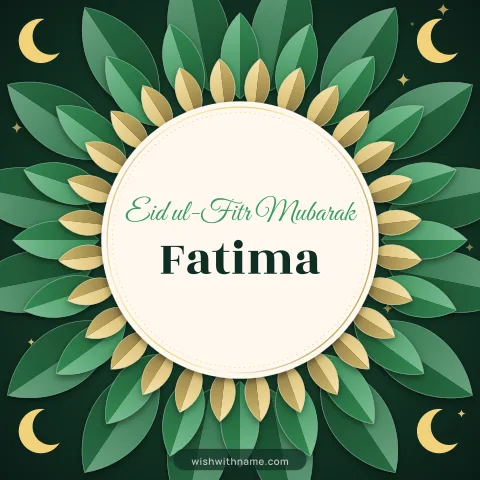
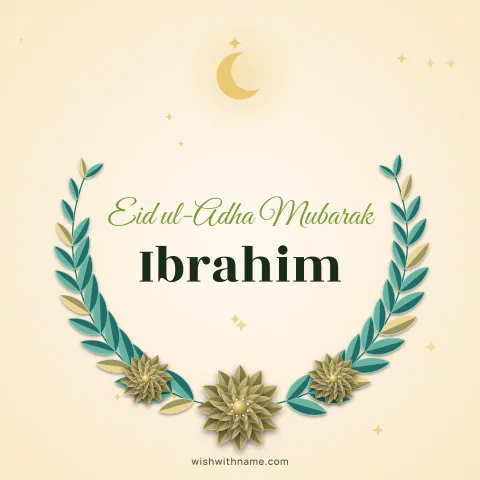
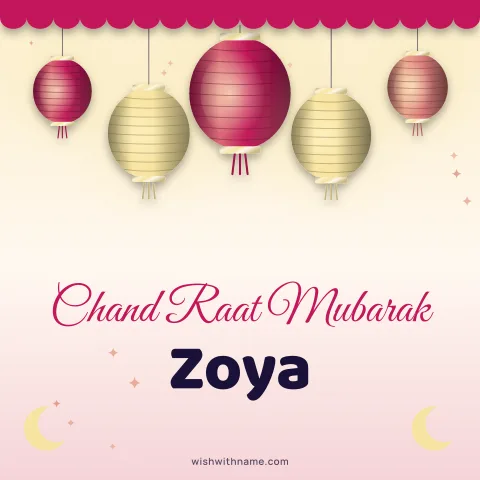
Tap "Your photo" and choose a picture from your gallery. Type the name to sit under the greeting, either the person you are sending to or your family's name if the card is from all of you. Pick a frame from the crescent, lantern and star designs, then download the card or tap Share to send it through WhatsApp or any app on your phone.
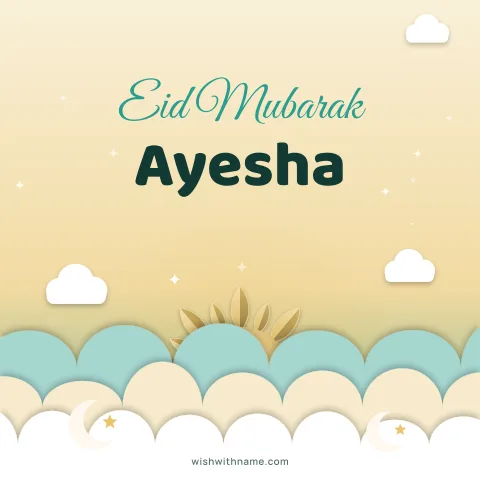
Prefer a card without a photo? The Eid Mubarak with name page has the same designs with the name alone, and popular names have ready pages such as Eid Mubarak Ayesha.
Framing a photo so it looks good
The photo frame is smaller than the card, so choose a picture where the faces are close and well lit. Daylight near a window works better than a dim room at night. A photo of one to three people usually reads well; a large family group shot often leaves every face too small to recognise.
Keep the main subject near the centre of the picture, because frames that are round or arched trim the corners. After adding the photo, look at the preview at normal size on your phone. If you have to zoom in to see who is in it, try a closer picture.
Square cards (1080×1080) suit chats and groups. For a WhatsApp status or a story, the tall 1080×1920 size fills the screen.
Respectful wording and choices
Eid Mubarak means "blessed Eid", and it suits both Eid ul-Fitr at the end of Ramadan and Eid ul-Adha. Many people also reply with "Taqabbal Allahu minna wa minkum", asking that God accept the worship of both of you. The Eid page has original wishes in English, Hindi, Urdu and Bengali to copy into your message.
Ask before using a photo of someone else, especially in a card that will go to a large group. Some families prefer greetings without pictures of people, so for elders or for people you do not know well, the name-only card is a safe choice. Pick a modest, cheerful photo; the card is about the day, not the outfit.
If you are greeting Muslim friends as someone of another faith, a simple "Eid Mubarak" with their name is warm and correct. You do not need to add religious phrases you are unsure of.
Sending it on the right day
Eid dates depend on the sighting of the new moon, so they can differ by a day between countries. Many people send greetings on Chand Raat, the night the moon is seen, and again on the morning of Eid. The festival calendar lists the expected dates, which remain subject to moon sighting. For Eid ul-Adha the same card designs work; only the occasion changes.