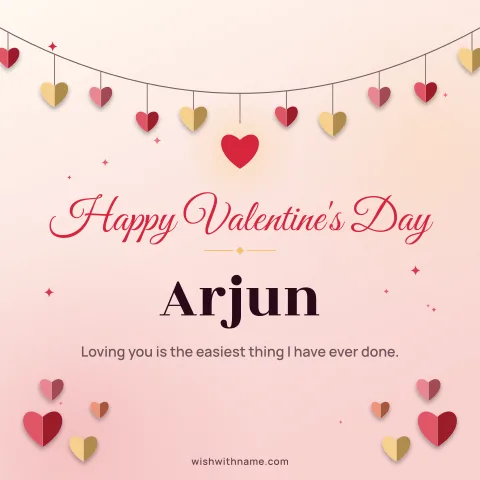
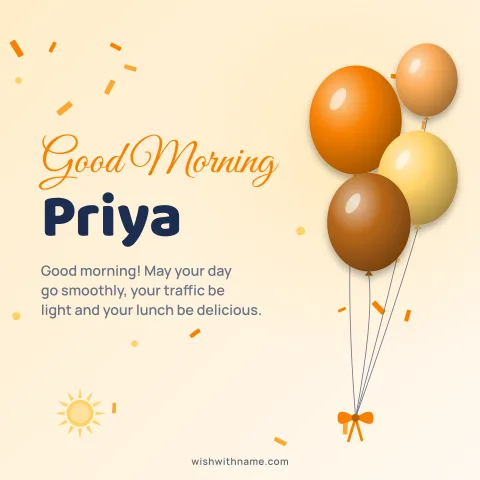
Start with a vertical card
Pinterest is built around tall images in a scrolling grid, so a vertical card usually stands out more than a square one. The 1080×1920 story size from the card maker is a natural fit. Pinterest's help pages recommend a 2:3 ratio and note that very tall pins can be cut short in the feed, so keep the greeting and name near the middle of the design rather than at the very top or bottom.
Download the card as a PNG. PNG keeps lettering sharp, which matters when someone zooms in on a phone. If you made a square card you love, it can still be pinned; it simply takes up less room in the grid than a tall one.
Use the Save to Pinterest link
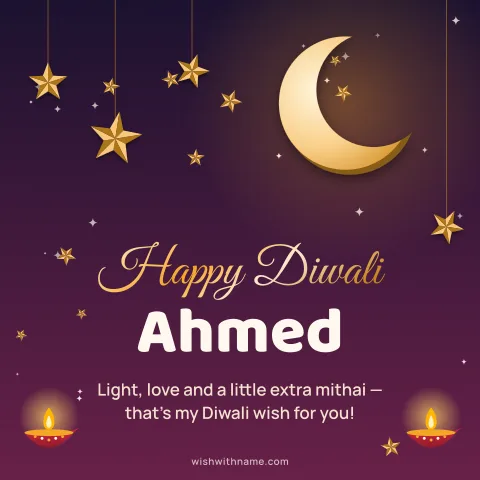
Every pre-made card on an occasion or name page, such as the Diwali cards, has a Save to Pinterest link. It opens Pinterest's save screen with the card and a link back to its page, so people who find your pin can make their own version. Nothing is posted until you pick a board and save, and you can edit the text first.
For a card you designed yourself, upload the downloaded PNG to Pinterest as a new pin and add the occasion page as the destination link if you want others to be able to make a similar one.
Write a title people would search for
Pinterest works like a search engine for ideas, so the title should say plainly what the pin is. "Happy Diwali card with name, gold diya design" tells a searcher exactly what they will get; "So pretty!!" tells them nothing. Lead with the occasion, then the kind of card, then one visual detail.
In the description, write a sentence or two in normal language: who the card suits, which occasion, and what makes it different. Mention a year only if the card is really about that year. Two or three well-chosen keywords are plenty; a wall of hashtags or repeated phrases makes a pin look automated.
Add alt text
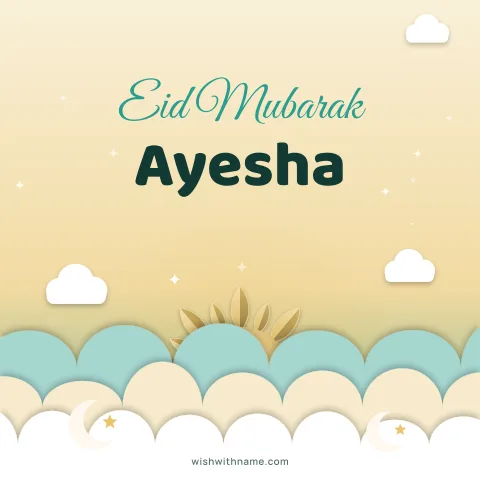
Alt text describes an image for people using screen readers, and it also helps Pinterest understand the pin. Pinterest lets you add it when creating a pin; look for the alt text field among the pin's options. Describe what is actually on the card, for example "Square card reading Eid Mubarak Ayesha, white crescent and lanterns on dark green". One or two sentences is enough, and it should never be a keyword list.
Pin like a person, not a robot
Pinterest's community guidelines treat repetitive, misleading or automated posting as spam, and accounts that do it can be limited. Pin a handful of your best cards rather than every variation, spread them over days instead of minutes, and keep them on boards with clear names such as "Diwali cards" or "Birthday wishes with name".
Pin ahead of time. People look for festival ideas weeks before the day, so a pin saved a month early has time to be found. The festival calendar shows what is coming up.
Finally, think twice about cards that show a real person's name or photo. Pins are public and easy to share further, so for a child, or anyone who has not agreed, pin a version with a sample name instead.