The short answer
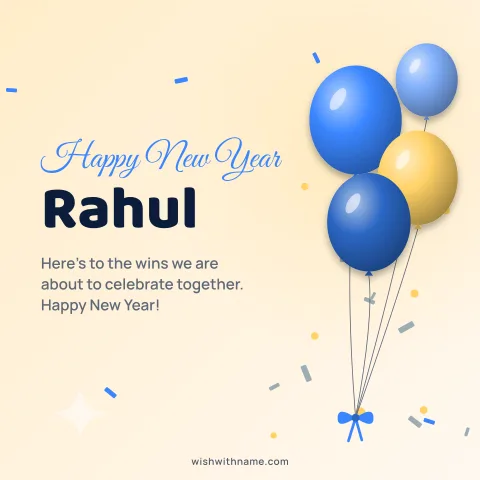
Use a square image with the important part in the middle. WhatsApp shows profile photos in a circle, shrinks them for small spaces such as the chat list, and compresses them when you upload. We have not found an official recommended pixel size in the WhatsApp Help Center, so be wary of sites that quote exact limits as fact. A sharp square image, such as a 1080×1080 card from our card maker, is a safe starting point: it has plenty of detail for WhatsApp to scale down.
Why the circle matters
A square cut into a circle loses its four corners. Anything placed there, such as a name in the bottom corner or a date in the top corner, disappears in the round view. Keep text and faces inside the central area, roughly the middle two thirds, and leave the corners for background colour or pattern.
Remember how small the DP appears. In the chat list it is about the size of a fingertip, so fine details and long sentences vanish. A name in big, bold letters and one clear symbol read far better than a full message. When someone taps your photo they see it larger, so a little detail is still worth having.
Setting the card as your DP
Download the card as a PNG, then change your profile photo in WhatsApp's settings and pick the image from your gallery. The app asks you to crop to a square, and you can usually move and zoom the picture before saving; use this to centre the name. The exact steps differ between Android, iPhone and desktop, and the Help Center keeps the current instructions.
If the result looks blurry, start from a sharper image rather than a bigger one. A clean design with solid colours survives compression better than a busy photo full of fine texture. Screenshots of a card are a common culprit: they add the phone's status bar and lose sharpness, so use the downloaded file itself.
DP, status or chat card?
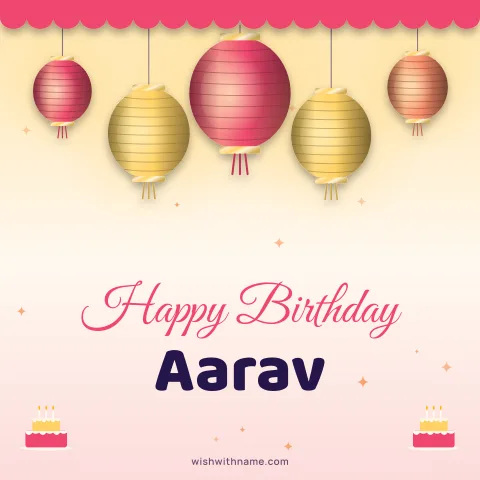
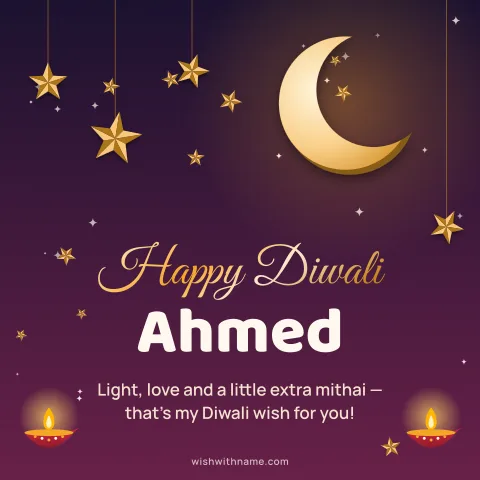
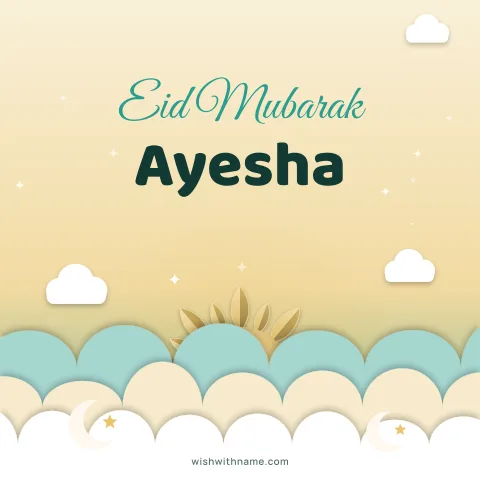
A DP is the wrong place for a long greeting. To celebrate an occasion with a full message, post the 1080×1920 story card as a WhatsApp status and keep the DP simple: your name on a festive square, such as a Diwali card or an Eid Mubarak card, switched back after the festival. For a birthday, a cake design with the name works well; see the birthday cards.
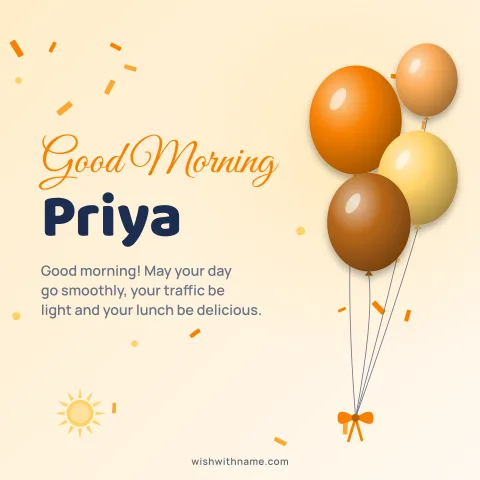
For a status or a message to one person, the good morning and festival pages offer both sizes, and each card shows how it will look before you download it.
Who can see your DP
Your profile photo may be visible to more people than you expect. WhatsApp's privacy settings let you choose who sees it, for example everyone, only your contacts, or nobody. If your DP shows your child or family, consider limiting it to contacts. The same applies to a festive card with your full name on it if you use WhatsApp for work or business.
Cards from our maker are drawn in your browser and any photo you add is never uploaded to us. Once a card becomes your DP, though, WhatsApp's settings decide who sees it, so check them whenever you change your picture.