Happy Rose Day Amit
Here are 6 Rose Day cards made for Amit, ready to download or share. Each design has Amit’s name set in large type, so it stays readable on WhatsApp. Prefer to change something? The maker below is already filled in with Amit — swap the greeting language, add a photo or write your own line.
Rose Day is on Sunday, 7 February 2027. 78 days to go.
Ready-made Rose Day cards for Amit


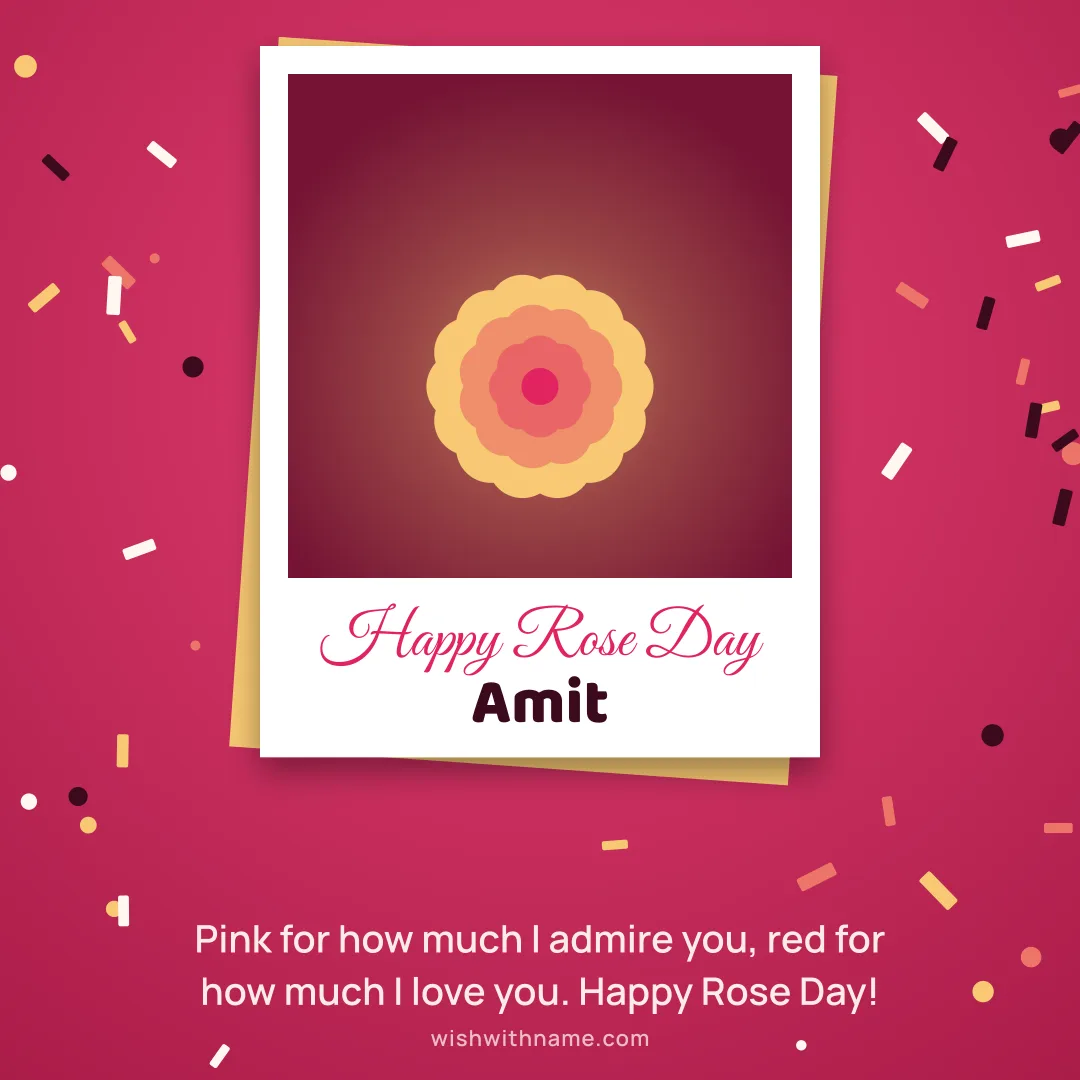



Rose Day wishes for Amit
Amit, this rose is small, but what it carries for you is not.
A red rose for the one who makes ordinary days bloom. Happy Rose Day, Amit!
Amit, every petal of this rose stands for a reason I smile when you call.
Roses fade, but the way you make me feel never does. Happy Rose Day, Amit!
Amit, I couldn’t find a rose as lovely as you, so I sent the next best thing.
Here’s a yellow rose for the friend who has never let me down. Happy Rose Day, Amit!
Amit, may your day smell of roses and feel like sunshine.
Thorns and all, you are my favourite flower. Happy Rose Day, Amit!
Amit, a rose for every time you made my heart skip, and I would need a whole garden.
Pink for how much I admire you, red for how much I love you. Happy Rose Day, Amit!
Amit, consider this card a bouquet that never needs water.
You turned my life into a garden I never knew I wanted. Happy Rose Day, Amit!
Amit in your script
- अमितHindi
- অমিতBengali
- ꧁༒⋆ 𝑨𝒎𝒊𝒕 ⋆༒꧂Stylish
- 🦋 𝒜𝓂𝒾𝓉 🦋Stylish
- ★ 𝐀𝐦𝐢𝐭 ★Stylish
How Amit fits on a card
Amit has 4 letters — it sets in big, bold type on every design. Best design for this name: Folded Heart Garland.
Frequently asked questions
Can I download the Rose Day card with Amit’s name for free?
Yes. Tap Download under any card for a full 1080×1080 image. No sign-up and no payment.
How do I send Amit’s card on WhatsApp?
Tap Share on a card and pick WhatsApp. On a computer, download the card and attach it in WhatsApp Web.
Can I write Amit in Hindi or Urdu?
Yes. Type the name in any script into the maker — Hindi, Urdu, Bengali and Arabic all render correctly.
Is there a Rose Day card with a photo of Amit?
Use the Photo Cards format: add a picture from your phone and it is placed in a frame next to the name. The photo is never uploaded.
Last reviewed 21 November 2026 by the Wish With Name editorial team · Editorial policy