Why a name makes a morning greeting land
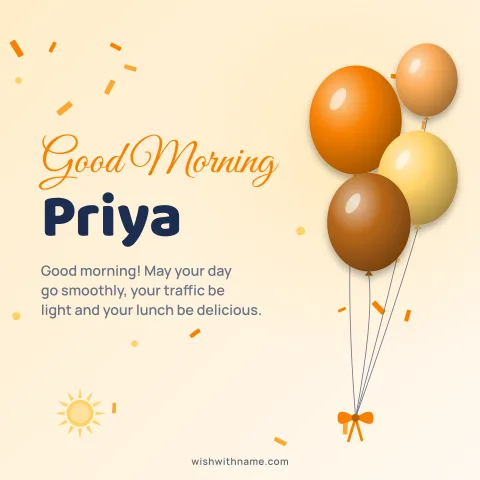
A good morning image is one of the smallest things you can send, and that is its charm: it says "I thought of you before the day got busy". Forwarded flower pictures stopped meaning much a long time ago. The same greeting with the person's name on it reads as a message to them rather than a broadcast.
Open the good morning with name page, type the name and pick a design. The cards are drawn in your browser, so there is nothing to install and no account to make, and it takes less time than finding a picture to forward.
Use the name the person is actually called at home. "Good morning, Ammi" or "Good morning, Bhaiya" feels closer than a formal full name, and short names are set larger on the card, so they stay easy to read on a small phone screen.
Keep it varied
The quickest way for a daily greeting to feel automatic is to send the same picture every day. Rotate between designs: a sun and cloud card one morning, flowers the next, a plain card with a short line after that. Changing the colour palette is enough to make it feel new.
Change the words too. The good morning page has original wishes, some short enough for a quick hello and some longer for a parent or partner who will actually read them. Tap Copy and paste one under the card, or use the card maker to put a short line on the card itself.
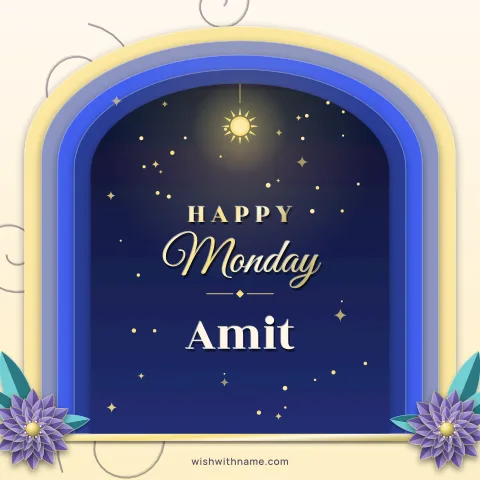
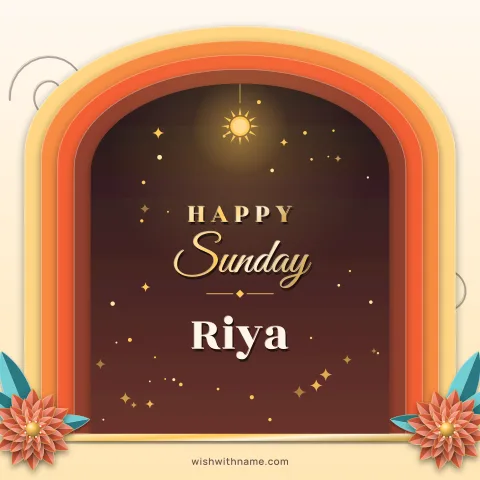
Days of the week help as well. A happy Monday card for a colleague, a Jumma Mubarak card on Friday, or a relaxed happy Sunday one gives each morning its own reason.
Groups are not the place for daily cards
Family and office groups fill up fast with morning images, and many people mute them for exactly that reason. If ten relatives each post a card every morning, nobody reads any of them. A name-on-card greeting works best one to one, where it is clearly meant for that person.
If you do post in a group, do it on days that matter, such as a festival or someone's birthday, and keep it to one card. Your WhatsApp status is a better home for a general daily greeting: people who want to see it can, and nobody gets a notification they did not ask for.
Some people simply do not enjoy daily forwards. If someone never replies, a weekly message may suit them better than a daily one.
Sizes and sharing
Use the square card (1080×1080) for a chat, where it shows in full. For a status or a story, the tall size (1080×1920) fills the screen without empty bands. Download the PNG, or tap Share to open your phone's share sheet and pick WhatsApp.
WhatsApp usually compresses images sent as photos, which can make small text look fuzzy. Morning cards with large lettering survive this well; if yours does not, our guide on sending without losing quality explains the alternatives.
Through the rest of the day
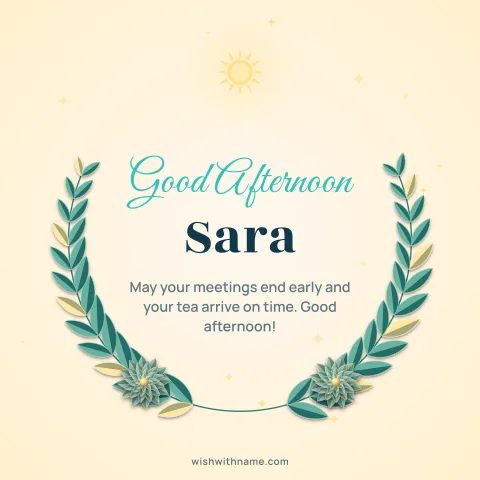
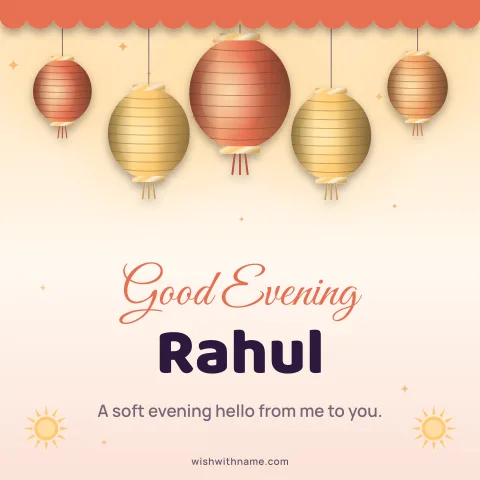
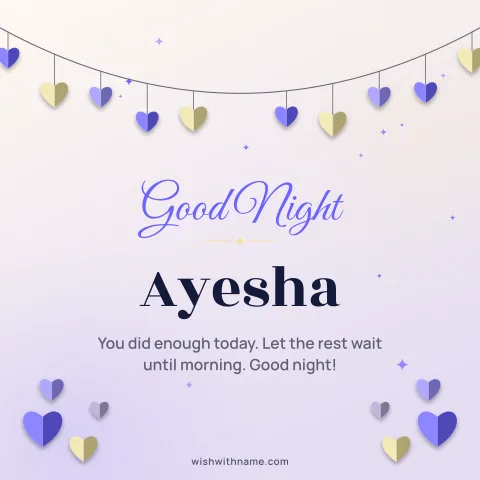
The same approach works later on. The good afternoon, good evening and good night pages have their own designs and wishes, so you can send a calmer card at night without reusing the bright morning one. A name card for a parent who lives far away, sent at a time they will see it, is often the most appreciated of all.