What a "name on cake" card really is
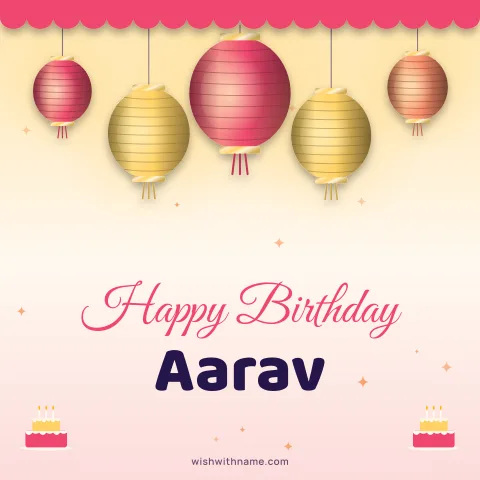
Most people searching for a name on a birthday cake want a picture where the name looks as if it were piped on in icing, ready to send before the candles are lit. On this site the cake designs are drawn in your browser from shapes, gradients and text rather than edited photos, so the edges stay crisp at full size and the name is real lettering, not a sticker pasted on top.
Open the birthday card with name page and type the name. Every cake design updates at once, so you can compare them side by side instead of making one card at a time. It is free, there is no sign-up, and nothing you type is stored on our side.
Step by step
Type the name exactly as the person likes to see it: a family nickname for a sibling, a full name for a colleague, or simply "Nani" for a grandmother. Then tap the design you like to see it larger.
Pick the square size (1080×1080) for a chat or a feed post, or the tall story size (1080×1920) if you plan to put it on a WhatsApp status. Download the PNG, or tap Share to open your phone's share sheet and choose WhatsApp or any other app.
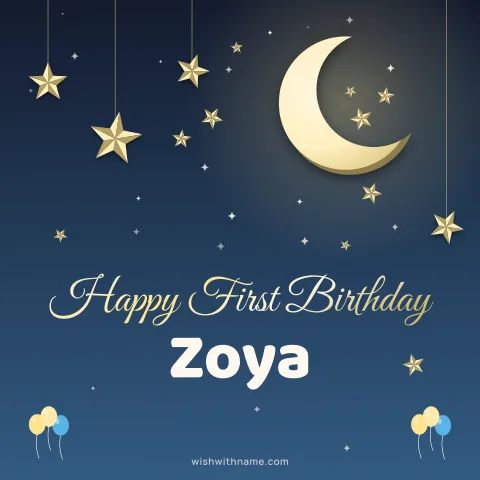
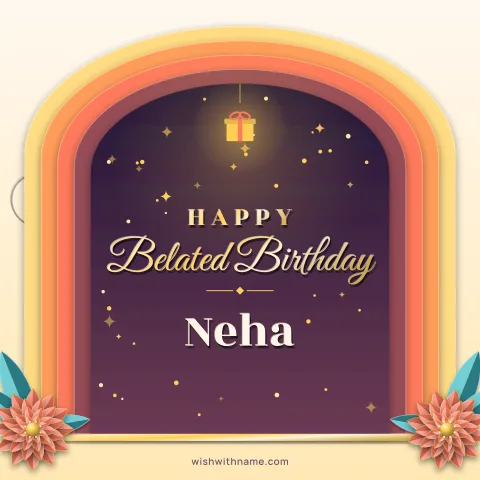
For a baby turning one, the first birthday designs use softer colours and leave room for a short name. Missed the day? The belated birthday cards admit it kindly, which usually goes down better than pretending you remembered.
Getting the name to fit
Short names look best on a cake because the letters can be large. A long name is shrunk on one line to stay inside the design, and if it has a space it may wrap onto a second line instead. Both keep it readable, but the letters get smaller. If the name looks cramped, try the first name alone, or choose a design with a wide banner above the cake rather than a small round top.
Check the spelling twice before you send. A wrong letter on a birthday card is noticed more than any other mistake, and it is the one thing the person will screenshot. If you are not sure whether it is "Aisha" or "Ayesha", ask someone who knows rather than guessing.
Writing the name in Hindi, Urdu or Bengali script? Look at the preview closely before downloading, and keep the whole name in one script, because mixing two in one line rarely looks right.
Adding a photo beside the cake
The birthday photo card lets you place a picture next to the cake. The photo is read on your device and drawn into the card there; it is never uploaded to our server.
Choose a photo where the face is well lit and fairly close, because the photo frame is much smaller than the whole card. A clear picture of one person works better than a group photo, where every face ends up tiny. After adding it, look at the preview at normal size on your phone, without zooming. If the face is hard to make out there, it will be hard to make out for the person receiving it too.
Sending it so it still looks sharp
Chat apps often compress pictures, and WhatsApp usually lowers the quality of images sent as ordinary photos. If the card looks soft after sending, our guide on sending a card on WhatsApp without losing quality explains the options.
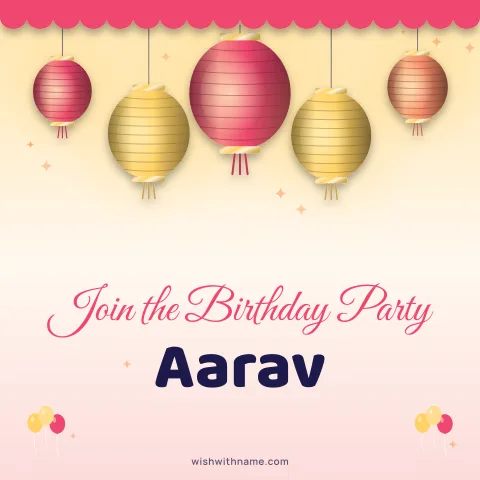
A card feels warmer with a line of text under it. The birthday page has wishes you can copy, and each shows whether it fits in a WhatsApp status, an Instagram caption, a single SMS or an X post. Planning the party as well? The birthday invitation cards work the same way, with space for the date and place.